01
Match Start at the right scale
Compare the prop and Humanoid before authoring, then use safe automatic matching or uniform manual controls.
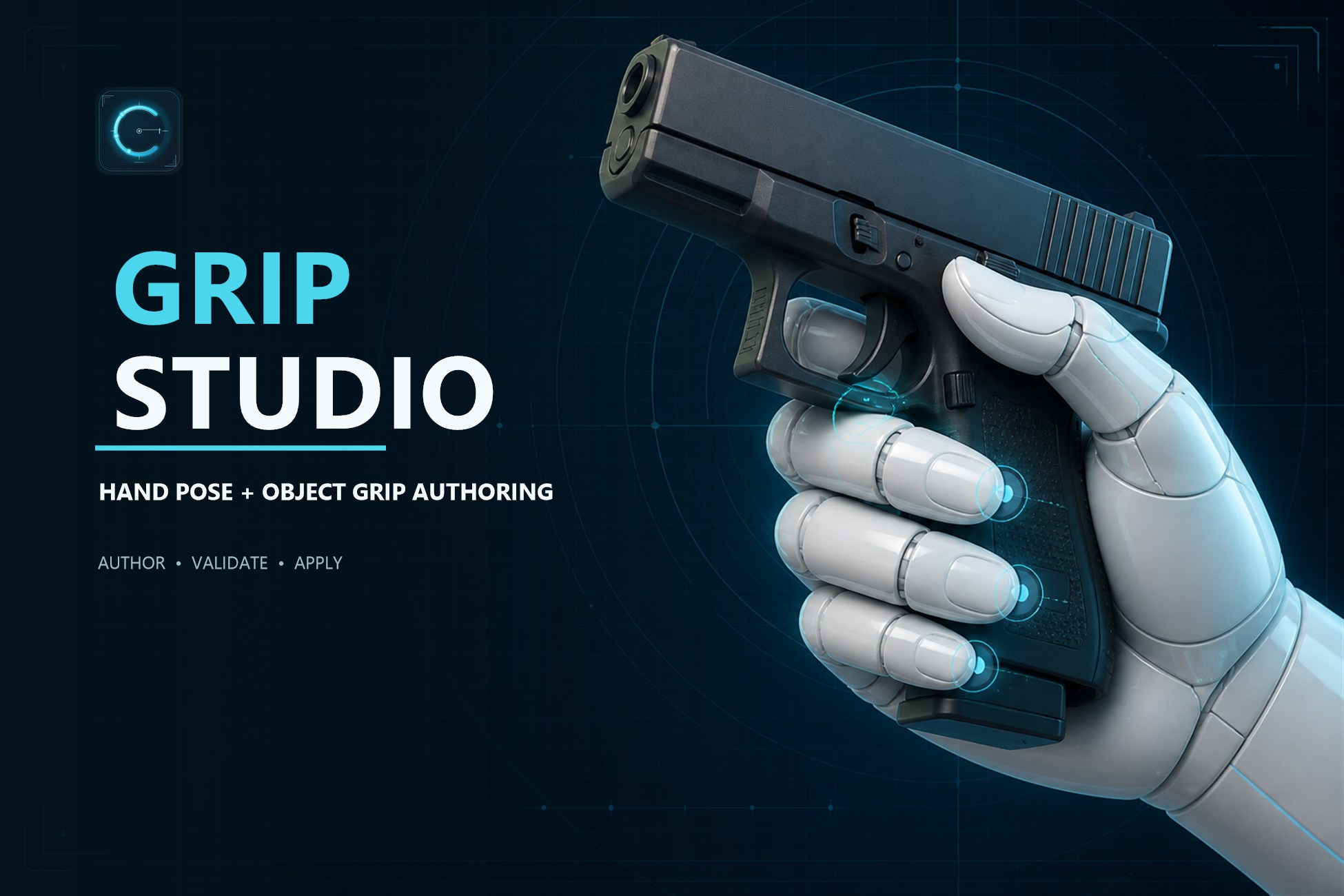
Hand Pose + Object Grip Authoring
Weapons, tools, props, and interactables should remember how they are held. Grip Studio turns that relationship into reusable, object-owned data you can author, inspect, prove on the full character, and apply at runtime.
A pistol knows where its primary palm lands. A rifle knows where its support hand belongs. A carried prop knows its hold pose. Characters consume that relationship instead of each rebuilding it from scratch.
Change characters, animation clips, or runtime systems without losing the authored intent that lives with the prop.
One continuous workflow, with the hard questions surfaced before runtime.
Compare the prop and Humanoid before authoring, then use safe automatic matching or uniform manual controls.
Click directly on the object to establish the physical grip point and its object-local relationship.
Use contact-aware finger wrapping, portable semantic curls, or exact three-axis joint controls when needed.
Review reach, wrists, stance, clearance, movement, and primary/support hand roles on the complete Humanoid.
Save the grip with the object, test it in the generated Playground, then drive it through the included runtime APIs.
Start with the fast path. Reach for exact control only where the asset actually needs it.
GripProfile, GripPose, GripSocket, and GripObject keep grip data with the prop that owns it—not scattered across character prefabs and controller states.
Palm click placement and mesh-aware finger wrapping turn the repetitive first pass into a focused authoring step.
Author pistols, rifles, carries, tools, and other two-handed relationships without flattening both hands into one pose.
Object-space palms and semantic finger channels carry across compatible Humanoids, while exact rig-local overrides stay available for precision work.
Check arm reach, wrist alignment, stance, movement, and clearance before the grip gets anywhere near production.
GripReceiver, GripApplier, and GripSession handle grip application and transitions without replacing inventory, networking, input, or animation state logic.
Grip Passports turn authored data into deterministic blueprint-style previews for the launcher, library, Grip Story, and image export. The result is quicker review and less guesswork when a profile moves between teammates, characters, and scenes.
The current release suite covers editor transactions, runtime lifecycle behavior, package structure, compatibility evidence, recovery, and consuming-game boundaries.
Use the built-in path, connect an optional IK backend, or drive the runtime API from your own systems. Grip Studio defines the relationship; your game decides when and why it changes.
Grip Studio does not replace inventory, networking, input, weapon logic, pooling, or your animation state machine. Its compatibility evidence applies to the exact character and pose context you review. Surface fit, rig-local joint rotations, and body reach should be checked on every character you intend to ship. That boundary is deliberate.
No. Grip Studio authors and applies grip relationships. Your inventory, networking, input, weapon logic, pooling, and animation state machine remain yours.
Yes. An object can own multiple named poses, including one- and two-handed variants with explicit primary and support roles.
Object-space palms and semantic finger channels are designed for portability across compatible Humanoids. Exact joint overrides, body rotations, reach, and surface fit still deserve review on every character you ship.
No. The core has no third-party dependency. Optional bridges are included for Unity Animation Rigging and other supported integrations when your project already uses them.
Grip Studio is available now on the Unity Asset Store. Use the Asset Store button on this page to view the listing and current price.
Author the relationship once. Check it in context. Carry it into the game.